A document scanner that minds its own business
SnapDocs turns your iPhone and iPad into a fast, private document scanner. It scans, searches, signs and exports clean PDFs, and it does all of that without an account, a server or a subscription.

The app is free to use, and a single optional purchase of $5.99 unlocks Pro for good.
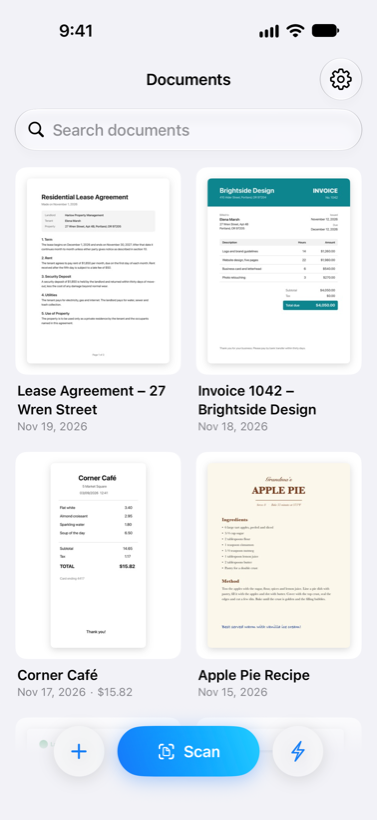
No account needed
There is nothing to sign up for, so you can open the app and start scanning right away.
Your files stay with you
Documents live on your device and in your own iCloud, because SnapDocs has no server of its own.
Pay once, not monthly
Pro is a single purchase rather than a subscription, so there is nothing that renews.
Everything a paper trail needs
SnapDocs is built on Apple’s own scanning and text recognition, so it feels at home on iOS and does its work on your device.
Scan from the camera, Photos or Files
Point the camera at a page and SnapDocs finds the edges, straightens it and cleans it up. You can also import photos, images and existing PDFs, and SnapDocs can open a PDF straight from the Files app.
- Automatic edge detection and perspective correction
- Import from Photos or Files
- A home-screen widget that opens straight into a new scan
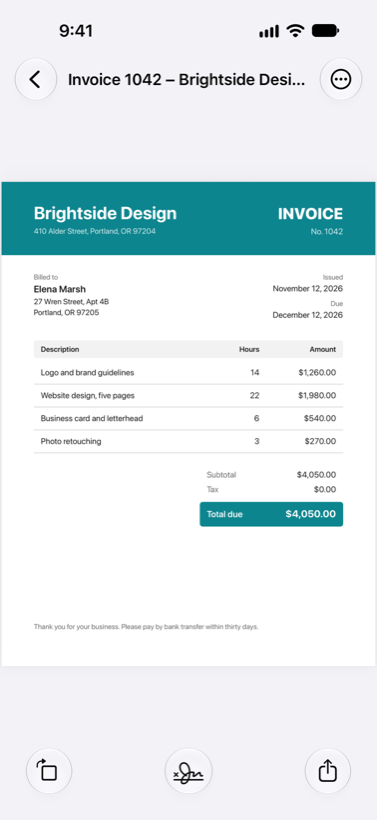
Search every word you ever scanned
With Pro, text recognition runs on your device and makes every scan searchable, so you can look up a word in the library and jump straight to the page it appears on, or copy text out of a scan with a tap.
- Text recognition that happens on the device, with nothing uploaded
- Search inside documents, not just titles
- Automatic names suggested from the scan itself
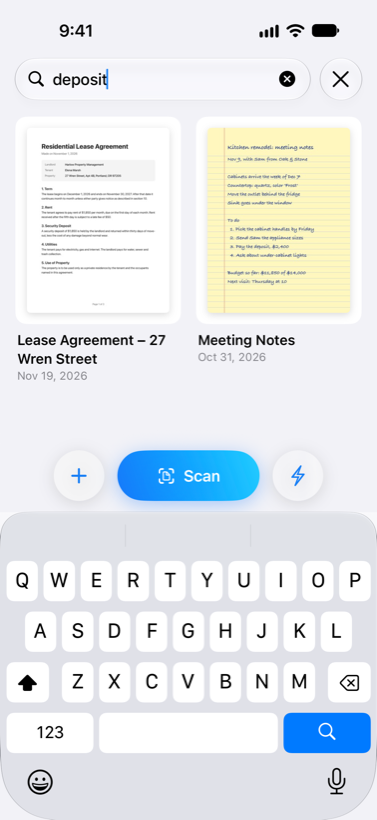
Sign, mark up and protect
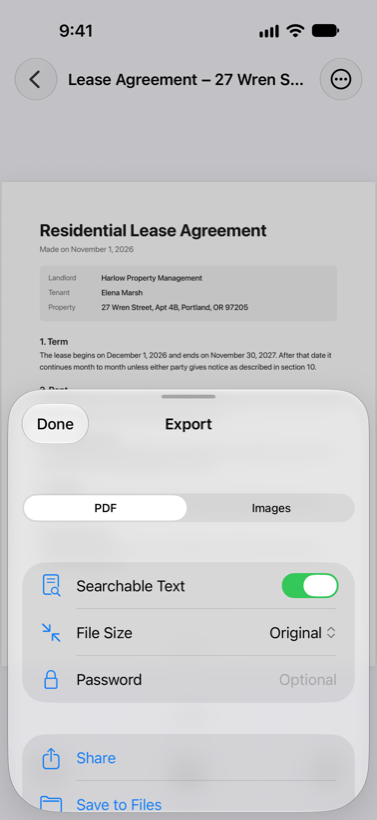
Draw your signature once and drop it onto any page. Mark up scans, password-protect sensitive PDFs and choose a smaller file size when you need to send something quickly.
- Saved signature, stored only on your device
- Password-protected and searchable PDF export
- Reorder, add, delete and merge pages
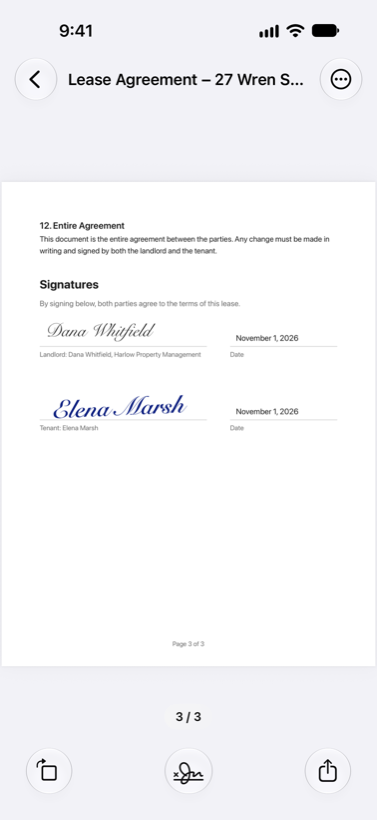
Special modes for receipts and ID cards
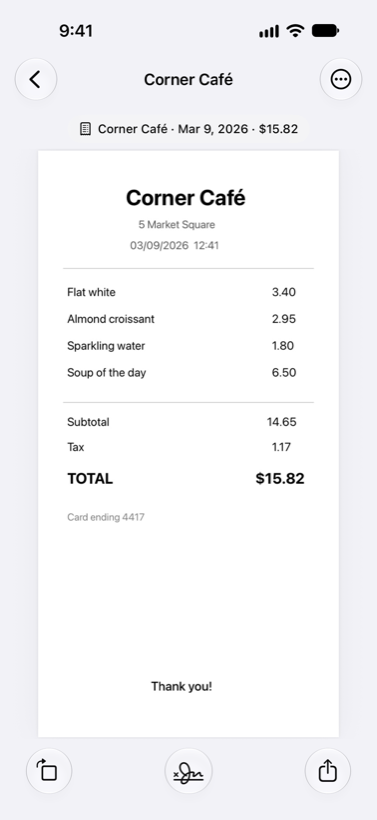
Receipt mode reads dates and totals as you scan, and exports a tidy CSV when it’s expense-report time. ID card mode puts both sides of a card on a single page.
- Dates and totals recognized from receipts
- Export receipts as CSV
- Both sides of an ID card on one page
Workflows for the steps you repeat
A workflow chains together the steps you do every time, so a single tap can scan, name, convert and send a document. SnapDocs also plugs into Shortcuts, which means your scans can be part of any automation.
- Scan, name and send a document in one tap
- Shortcuts and widget support
- Available in 30 languages
Pay for Pro once and keep it
SnapDocs is free to use, and the power features come with Pro, a single purchase of $5.99. There is no subscription and there never will be one.
Free $0
- Unlimited scanning
- Import photos and PDFs
- Organized, searchable library
- PDF export and sharing
- Save to Photos and Files
Pro $5.99 once
- Searchable PDFs and copy text
- Search inside documents
- Automatic names
- Page tools: reorder, merge, add, delete
- Sign, mark up and password-protect
- ID card and receipt modes
- Workflows that scan, name and send in one tap
Purchases are handled by Apple and restore automatically on your other devices. If you bought the donation in an earlier version of SnapDocs, Pro unlocks for you at no charge.
Get SnapDocs for iPhone and iPad
SnapDocs requires iOS 18 or later.